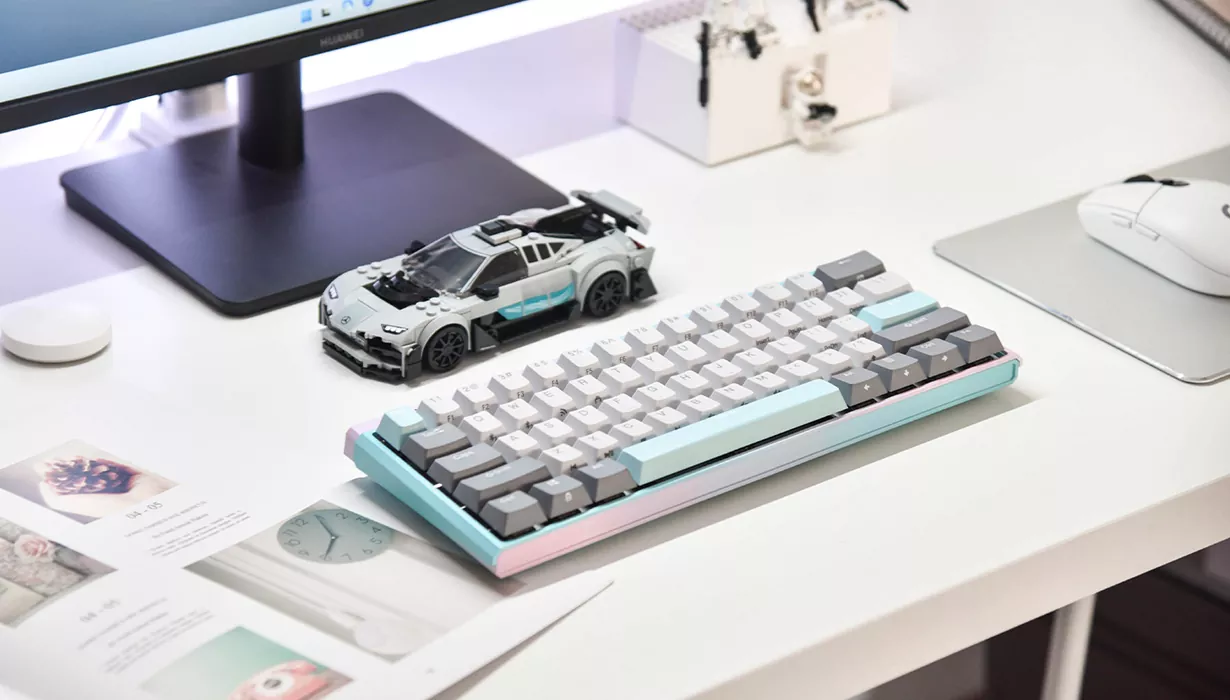
In the world of custom mechanical keyboards, every key hides in-depth user insights and sophisticated technical solutions.
As a critical interface for human-computer interaction, keyboard design directly impacts user experience. Excellent keyboard solution design requires striking a perfect balance between user needs, technical feasibility, and production costs. Whether it’s the lightning-fast response speed pursued by gamers, the ergonomic key layout needed by programmers, or the quiet and comfortable typing feel expected by office workers, all rely on careful planning and design in the early stages.
This article will take you deep into the entire process of keyboard solution design—from demand analysis to technical implementation—revealing the design logic behind an outstanding keyboard.
01 Core Elements of Keyboard Solution Design
User Demand Analysis: The Starting Point of Design
The first step in keyboard solution design is to deeply understand user needs. Different user groups have distinct requirements for keyboards:
- Gamers typically prioritize response speed, key feel, and RGB lighting effects.
- Office users may value noise reduction and typing comfort more.
- Programmers often have special needs—for example, one developer mentioned in articles decided to design a custom keyboard because they preferred a left-handed numpad and a full function key row.
FungLeo, a custom keyboard designer, lists clear requirements before starting design, such as minimal changes to the main keyboard area, the position of the Esc key, and independent arrow keys. This clear definition of needs is the foundation for successful solution design.
Layout Design: Balancing Art and Engineering
Keyboard layout design is a core link in solution planning. It requires reasonably arranging the position and size of each key within a limited physical space, balancing user habits, functional needs, and aesthetics.
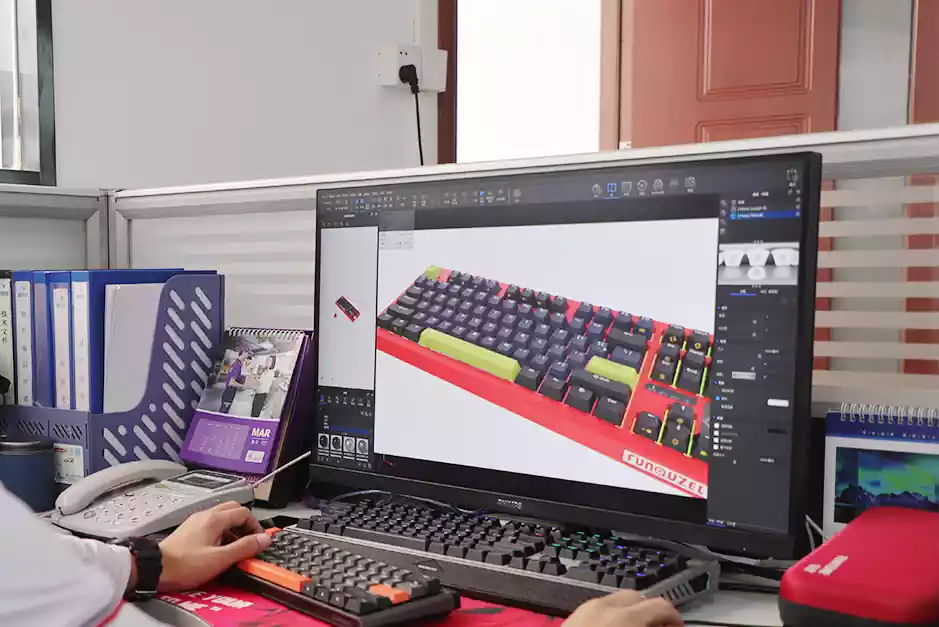
Common layout design tools include the Keyboard Layout Editor, which allows designers to visually adjust key layouts. Based on personal usage habits—such as whether independent arrow keys or specific function key positions are needed—designers can create layouts that best meet individual needs.
Layout design not only affects the keyboard’s appearance but also directly relates to usage efficiency and comfort. A reasonable layout reduces hand movement distance and alleviates fatigue during long-term use.
02 Technical Considerations for Keyboard Structure Design
Mechanical Structure Innovation
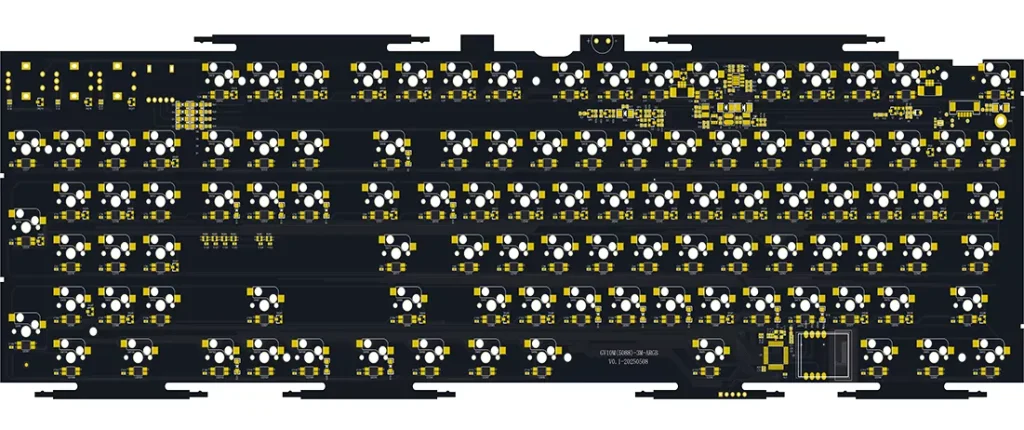
A keyboard’s mechanical structure directly influences key feel and service life. Traditional mechanical keyboards adopt a combined structure of individual key switches, consisting of keycaps, push rods, silicone elastic parts, and membrane circuits. However, this structure has drawbacks such as poor feel, low sensitivity, and slow response when used in gaming keyboards.
Innovative structures—such as "mechanical keyboards with slope-resistant adjustable inner tank travel height"—use magnetic repulsion principles and slope adjustment devices, allowing users to independently adjust the keyboard’s softness and elasticity to meet personalized needs. This design offers multiple gear options, greatly enhancing the user experience.
For the structural design of long keys (e.g., the spacebar), traditional solutions add stabilizers, but the effect is often unsatisfactory. New designs solve the problem of inconsistent feel when pressing long keys through structural optimization, ensuring a more uniform typing experience.
Material Selection and Craftsmanship
Material selection directly impacts a product’s texture, durability, and cost. Common keycap materials include ABS and PBT:
- ABS is more affordable but prone to shine over time.
- PBT is more wear-resistant but comes at a higher price.
For this case, in addition to common plastics, high-end keyboards may use metal materials like aluminum alloy, processed via CNC for better texture and structural strength. The choice of plate material (e.g., PC, steel, aluminum, carbon fiber) also affects the keyboard’s overall feel and sound.
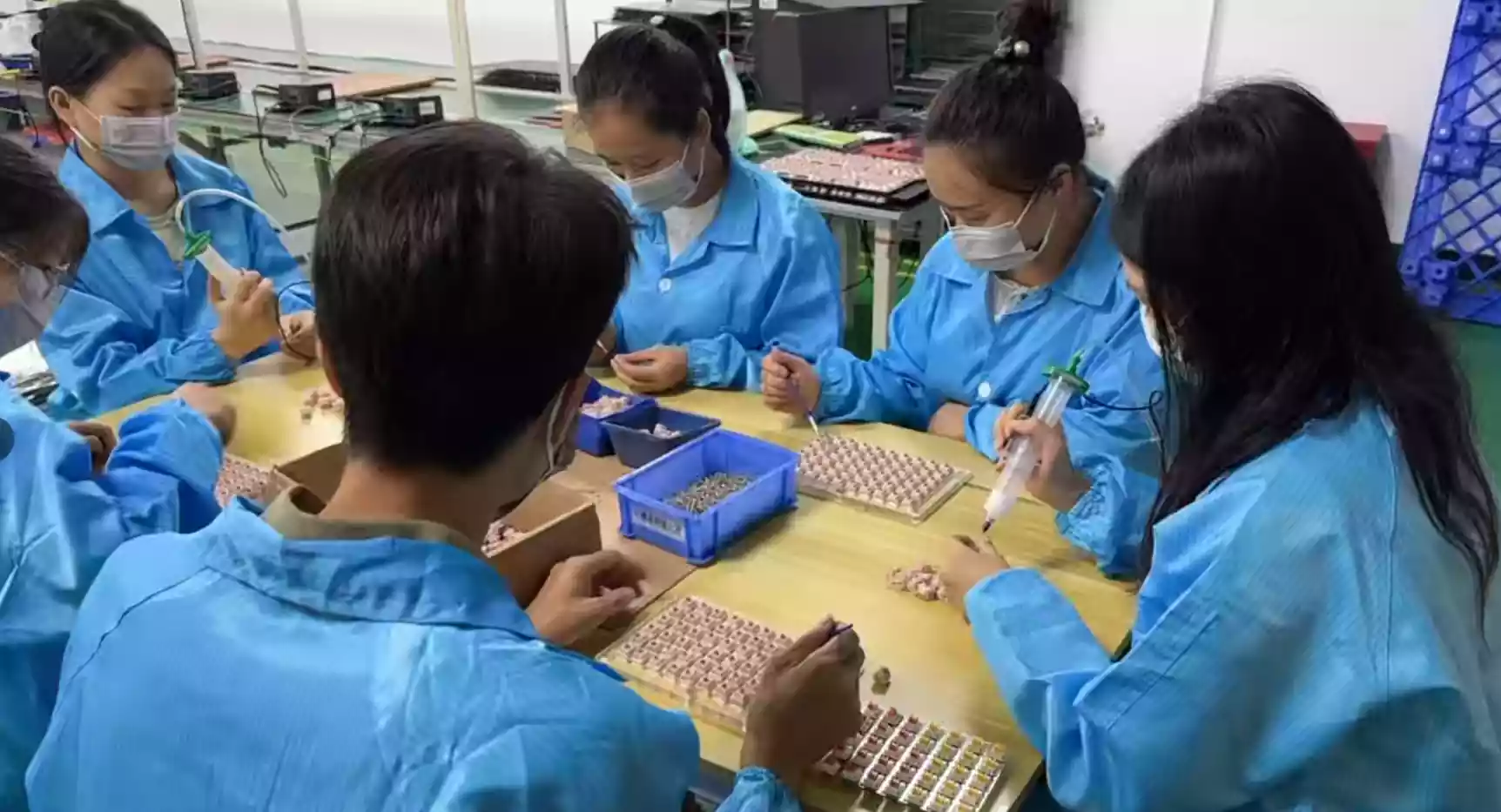
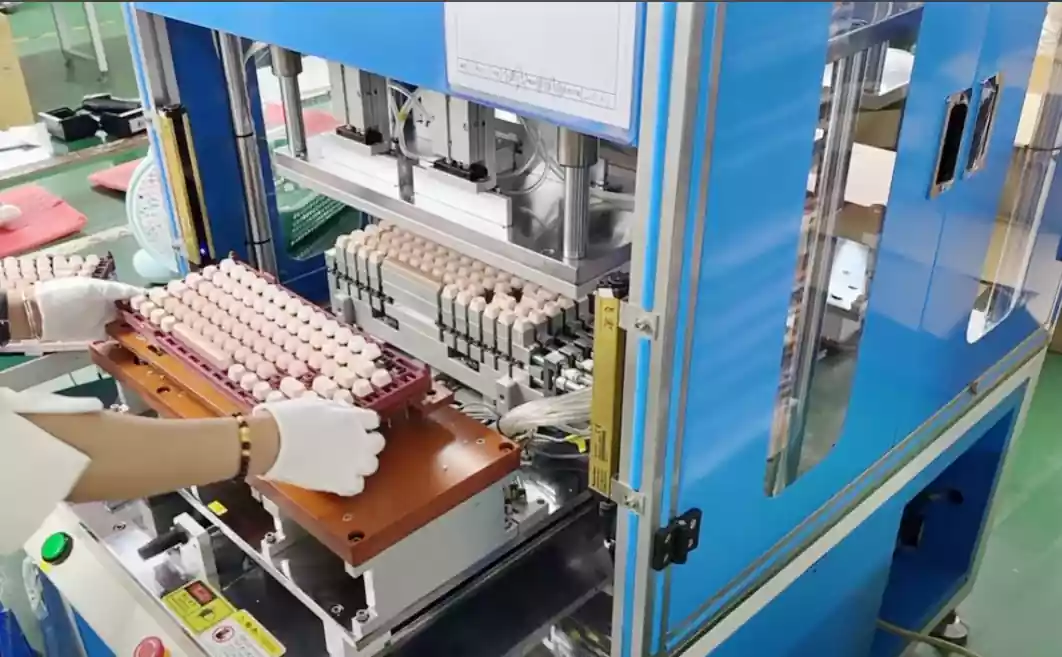
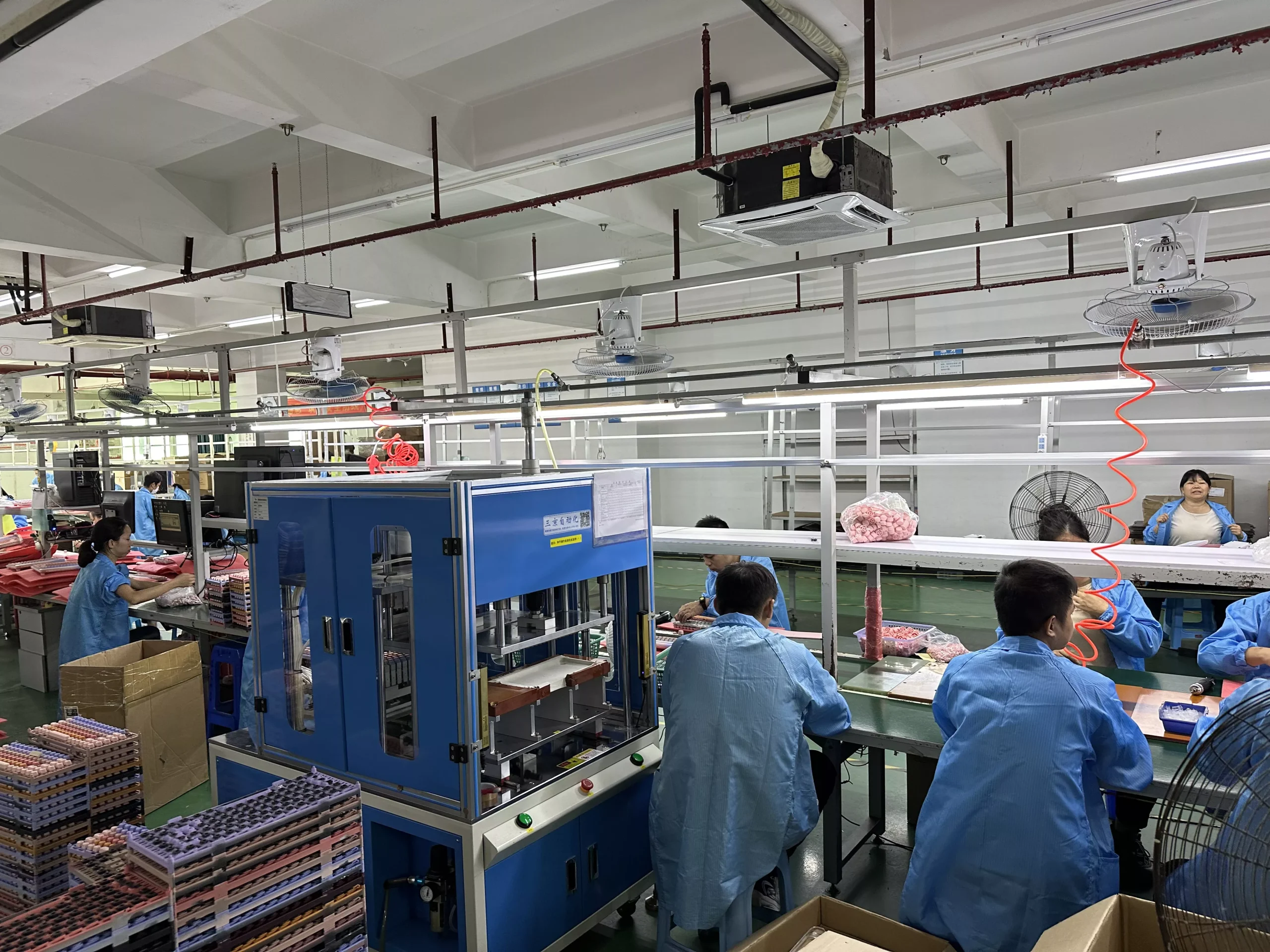
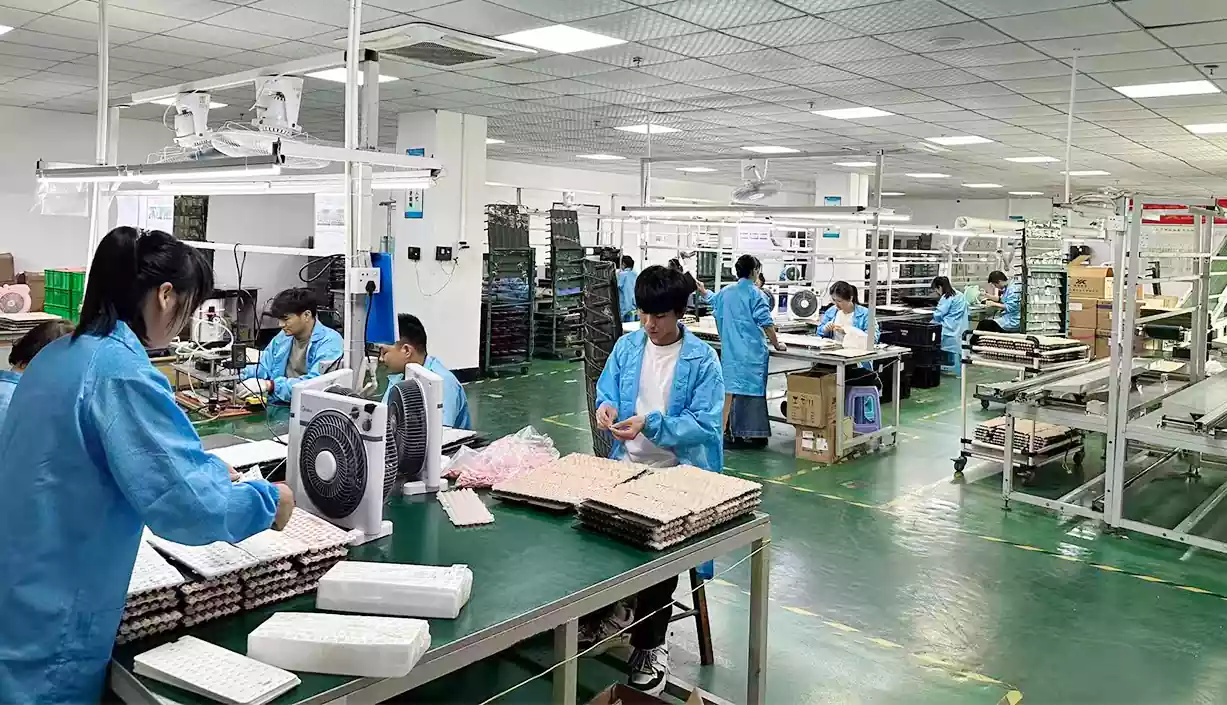
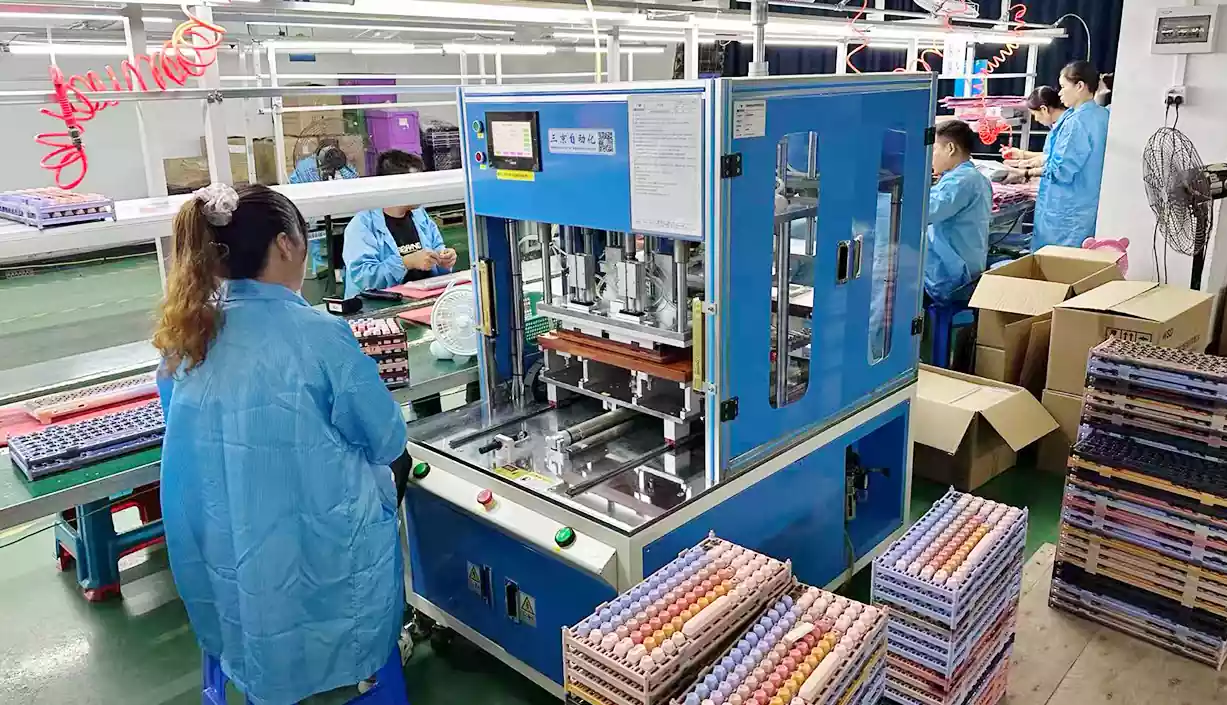
Production craftsmanship is equally crucial. For example, hot-swappable switch sockets have become a common demand for custom keyboards, though early designs may have used copper eyelets. Modern keyboard production needs to comprehensively consider soldering processes, assembly workflows, and quality control.
03 Circuit Design and Function Implementation
PCB Design and Key Matrix
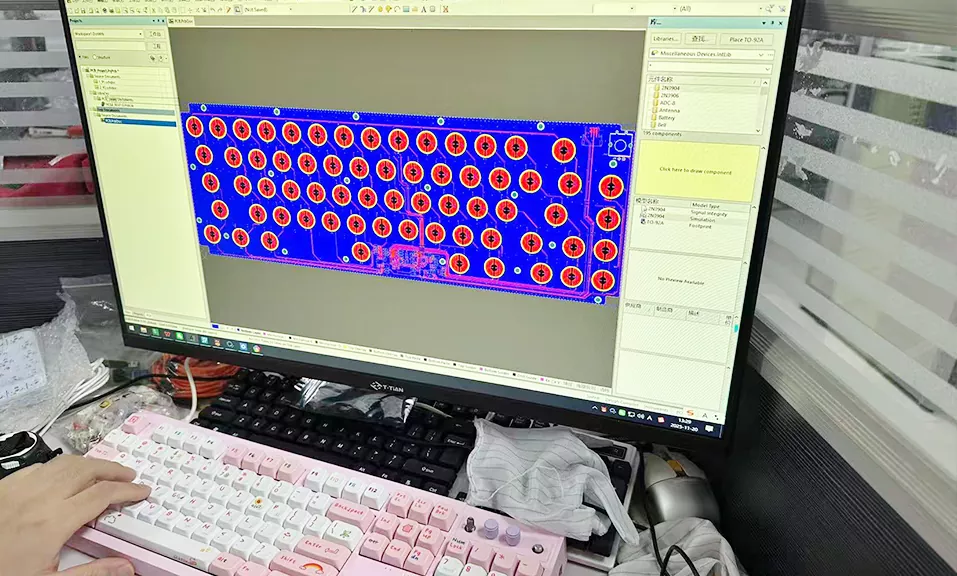
The PCB (Printed Circuit Board) is the "nervous system" of the keyboard, responsible for transmitting each key’s signal. When designing the PCB, it is necessary to plan the key matrix layout and take measures to avoid "ghost key" issues.
A common solution is to connect a diode in series with each key switch to ensure accurate key recognition. N-key rollover is a basic requirement for gaming keyboards, which requires reasonable circuit design and main control chip support.
Open-source hardware platforms provide valuable resources for keyboard designers. For example, the JLCPCB Open Source Community features keyboard projects based on the STM32F103 main control chip, greatly lowering the technical threshold for DIY keyboards.
Main Control Chip and Firmware Development
The main control chip is the "brain" of the keyboard, responsible for scanning the key matrix, processing input signals, and communicating with computers. Common keyboard main control chips include microcontrollers such as MM32F0160 and STM32F103.
When selecting a main control chip, factors such as pin count, processing capability, and peripheral interfaces must be considered. For wireless keyboards, chips supporting Bluetooth—such as the nRF52810—may be a better choice.
Firmware development determines the keyboard’s functionality and customizability. QMK and VIA are widely used open-source firmware in the custom keyboard field, allowing users to highly customize key functions, macros, and lighting effects.
04 Personalization and User Experience Optimization
Hardware-Software Integration Innovation
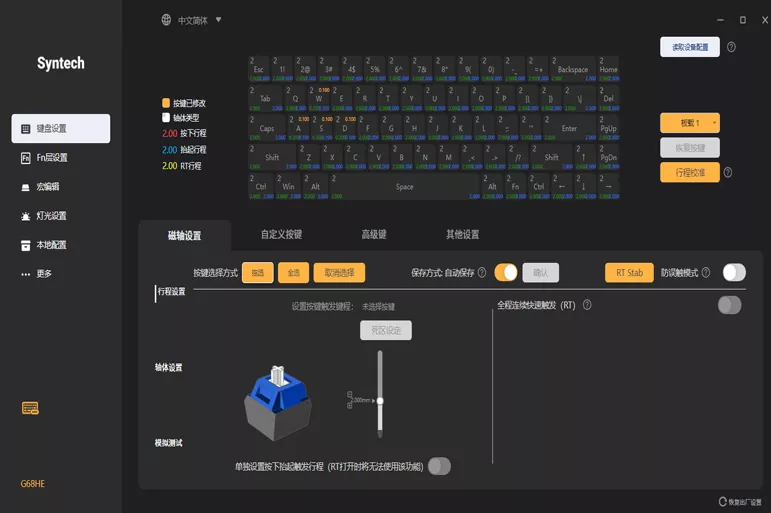
Modern keyboard design increasingly focuses on enhanced experiences through hardware-software integration. For example, the keyboard designed by Zhi Huijun (a "Genius Youth" at Huawei) not only adds an e-ink display and OLED screen but also innovatively integrates programmable knobs and fingerprint recognition modules.
These innovative features greatly expand the traditional boundaries of keyboards, upgrading them from mere input devices to multi-functional control centers. Users can adjust volume, scroll pages, or even check system status through the knobs.
Customization and Personalized Needs
The charm of custom mechanical keyboards lies in the ability to customize every detail according to personal preferences—from keycap material and switch type to circuit functions, all can be freely selected and combined.
Custom keyboard design usually adopts a modular approach, facilitating users to replace or upgrade specific components as needed. This design philosophy meets users’ pursuit of personalized products and represents the latest trend in keyboard design.
05 Future Trends in Keyboard Solution Design
Intelligence and Human-Computer Interaction
Future keyboard design will place greater emphasis on intelligence and human-computer interaction experiences. Integrating elements such as displays, touch bars, and biometric sensors will become a trend, making keyboards smarter centers for work and entertainment.
The addition of innovative interaction methods—such as force feedback knobs and capacitive touch bars—will enrich the keyboard’s functionality and improve user operation efficiency.
Sustainable Design and Environmental Considerations
Eco-friendly materials and repairable design are emerging as new considerations in keyboard design. Degradable materials and modular designs (facilitating maintenance and upgrades) will reduce electronic waste, aligning with the concept of sustainable development.
Personalization and Health-Centric Design
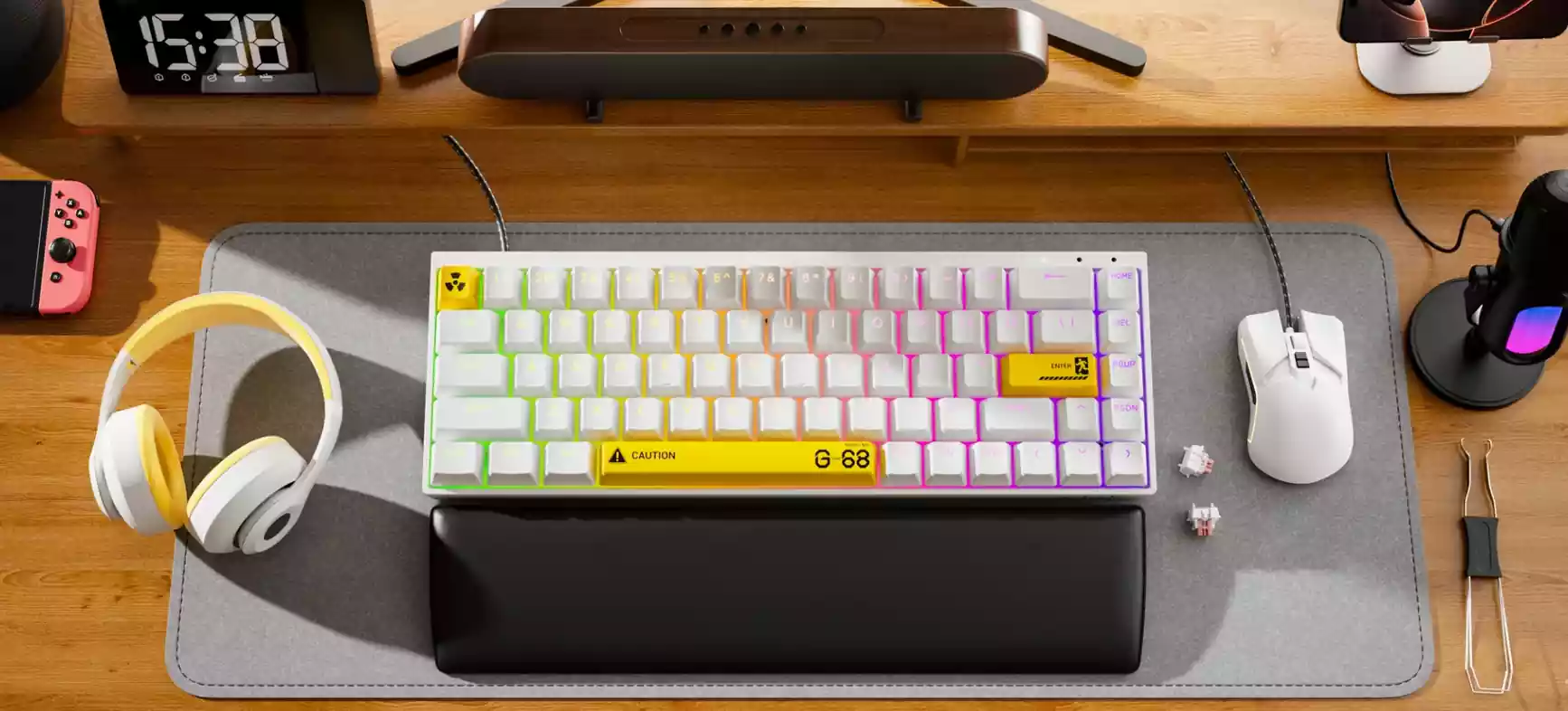
As people pay more attention to health, ergonomic keyboard design will gain greater popularity. Elements such as split designs, adjustable angles, and wrist rest support will help users maintain healthier postures during use.
Keyboard design will also become more inclusive, meeting the special needs of different user groups—such as dedicated keyboard layouts for left-handed users.
Conclusion
Keyboard solution design is an interdisciplinary field integrating industrial design, electronic engineering, software development, and ergonomics. Excellent keyboard design requires not only technical strength but also a deep understanding of user needs and creativity.
From defining needs to final implementation, every decision in the keyboard design process impacts the final product’s user experience. With technological advancements, we have reason to believe that future keyboards will be more intelligent, personalized, and ergonomic, becoming more efficient and comfortable interfaces for human-computer interaction.
Whether you are a keyboard enthusiast, product designer, or ordinary user, understanding the design logic behind keyboards can help you better select or create the most suitable input tool for your needs.